Know where your team works and what gets done.
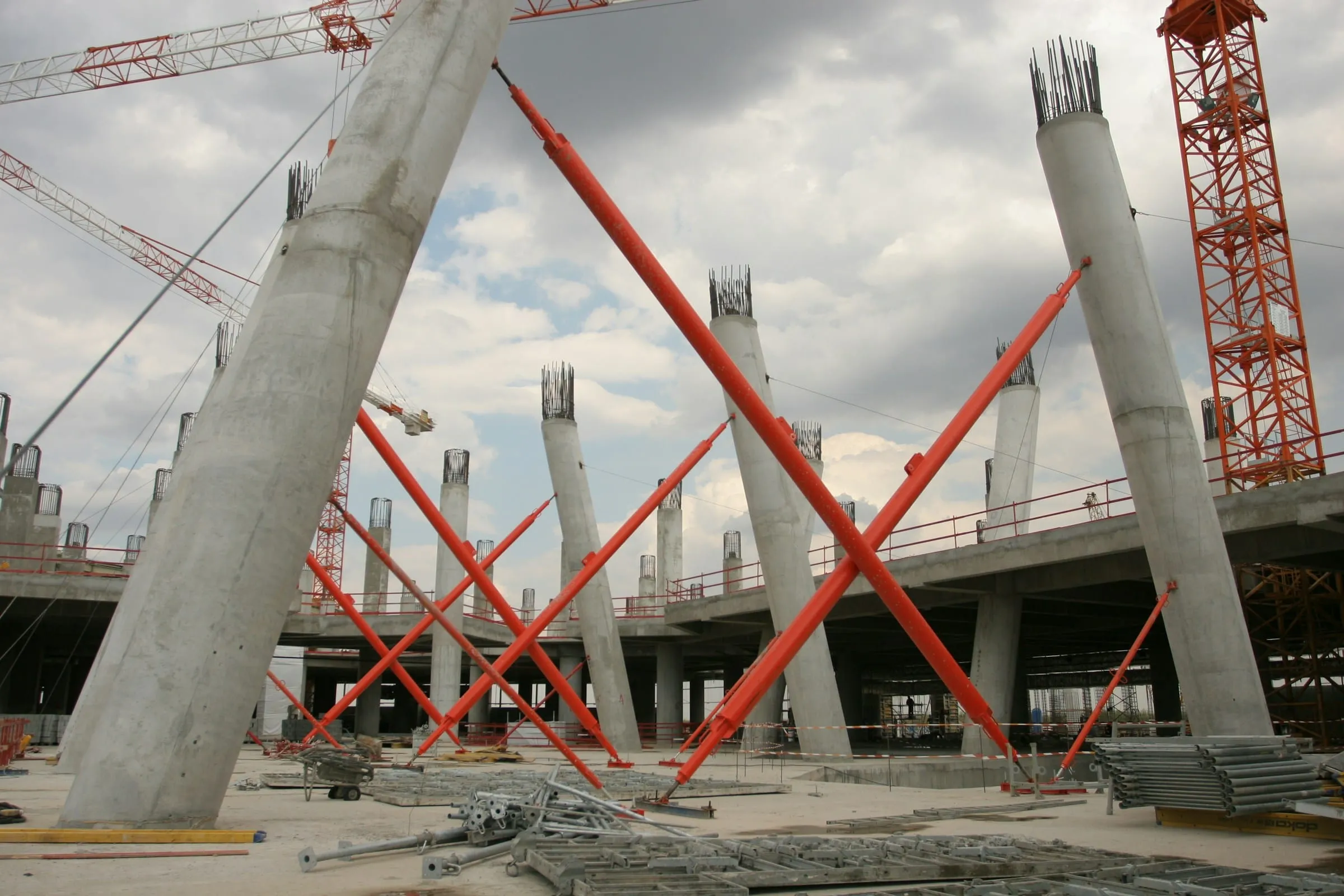
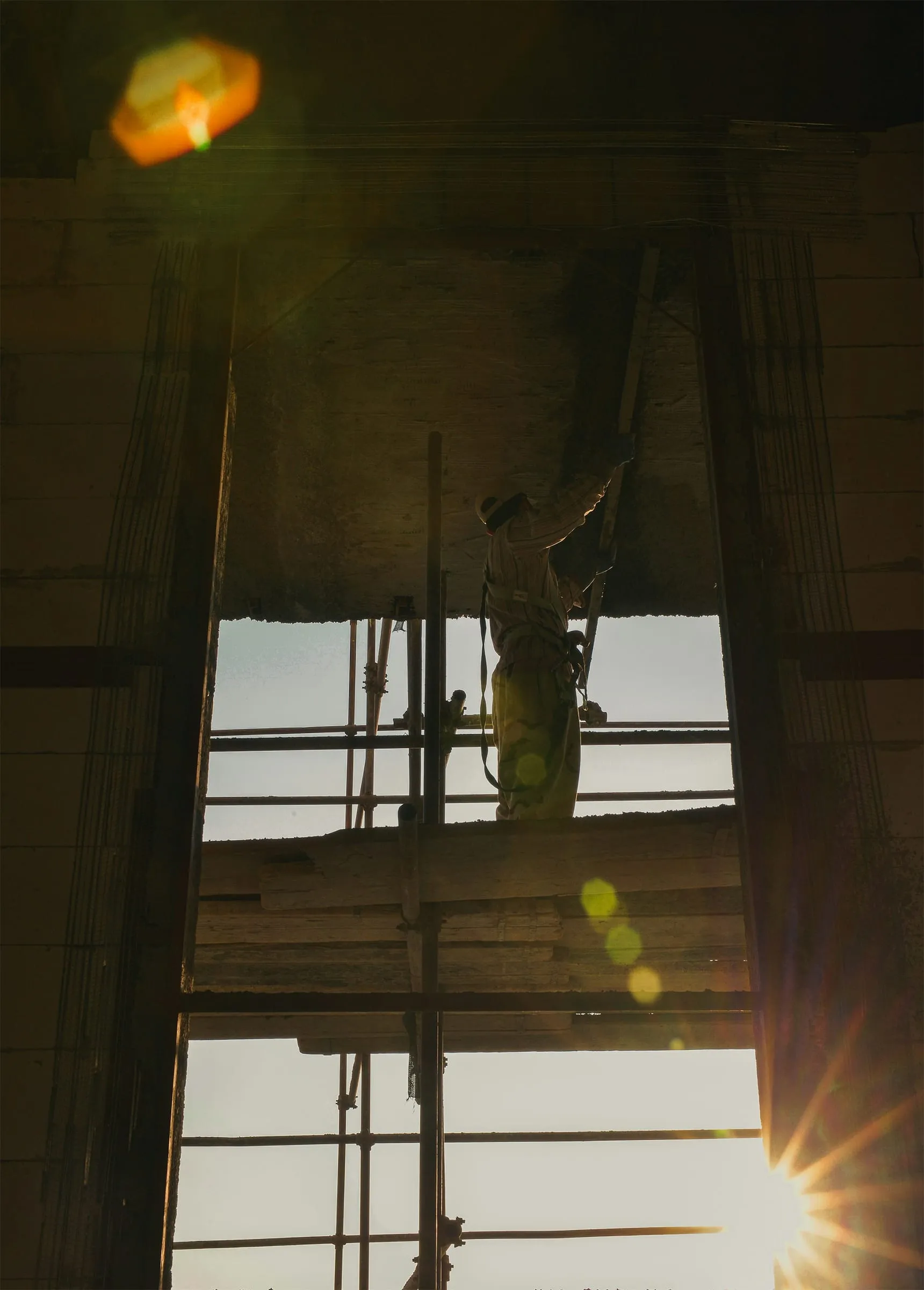
Concrete columns held by orange temporary bracing on a large construction site

Plan people, manage projects and follow the work.

Scroll to discover
The problem

Construction moves quickly. Information falls behind.

Plans, site updates and office decisions often live in different places.

Plan the work. Assign the team. Record the day.
  1. 01

    Planning is scattered

    Availability and assignments are kept in separate files, messages and systems.

  2. 02

    Hours say too little

    A total of hours does not show what was completed or where.

  3. 03

    Updates take time

    Managers have to ask for progress before they can make a decision.

  4. 04

    Decisions get lost

    Messages and blockers become difficult to find as the project moves on.

How it works

Plan the work. Assign the team. Record the day.

  1. See assignments, availability, leave and absences before the day starts.

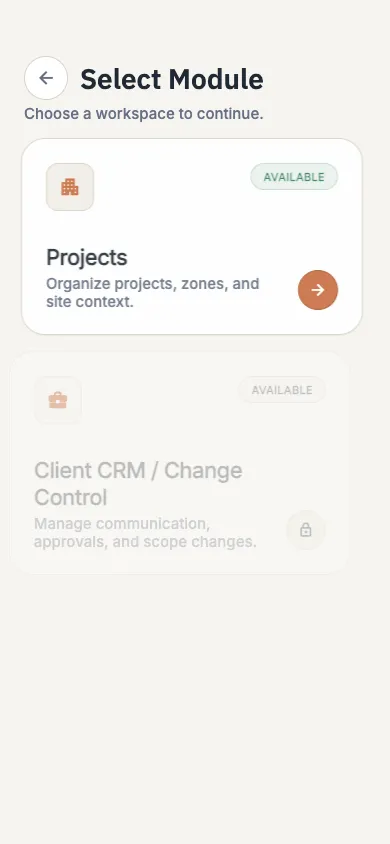
    See availability, assign people, organise tasks and record each day in one place. The site and office work from the same information.

    02 Assign people. Choose who is needed and where.
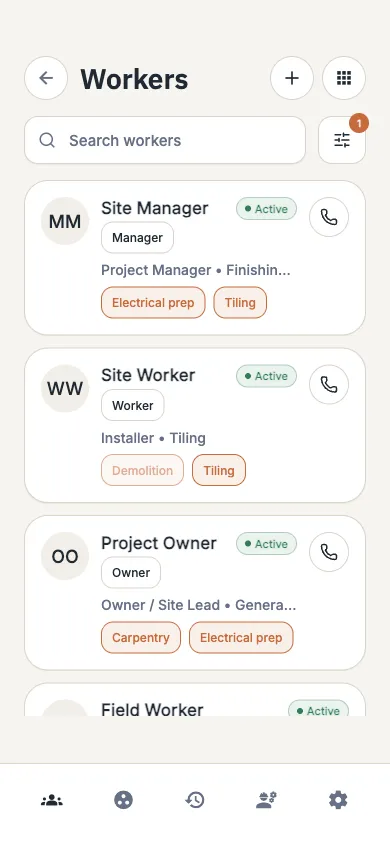
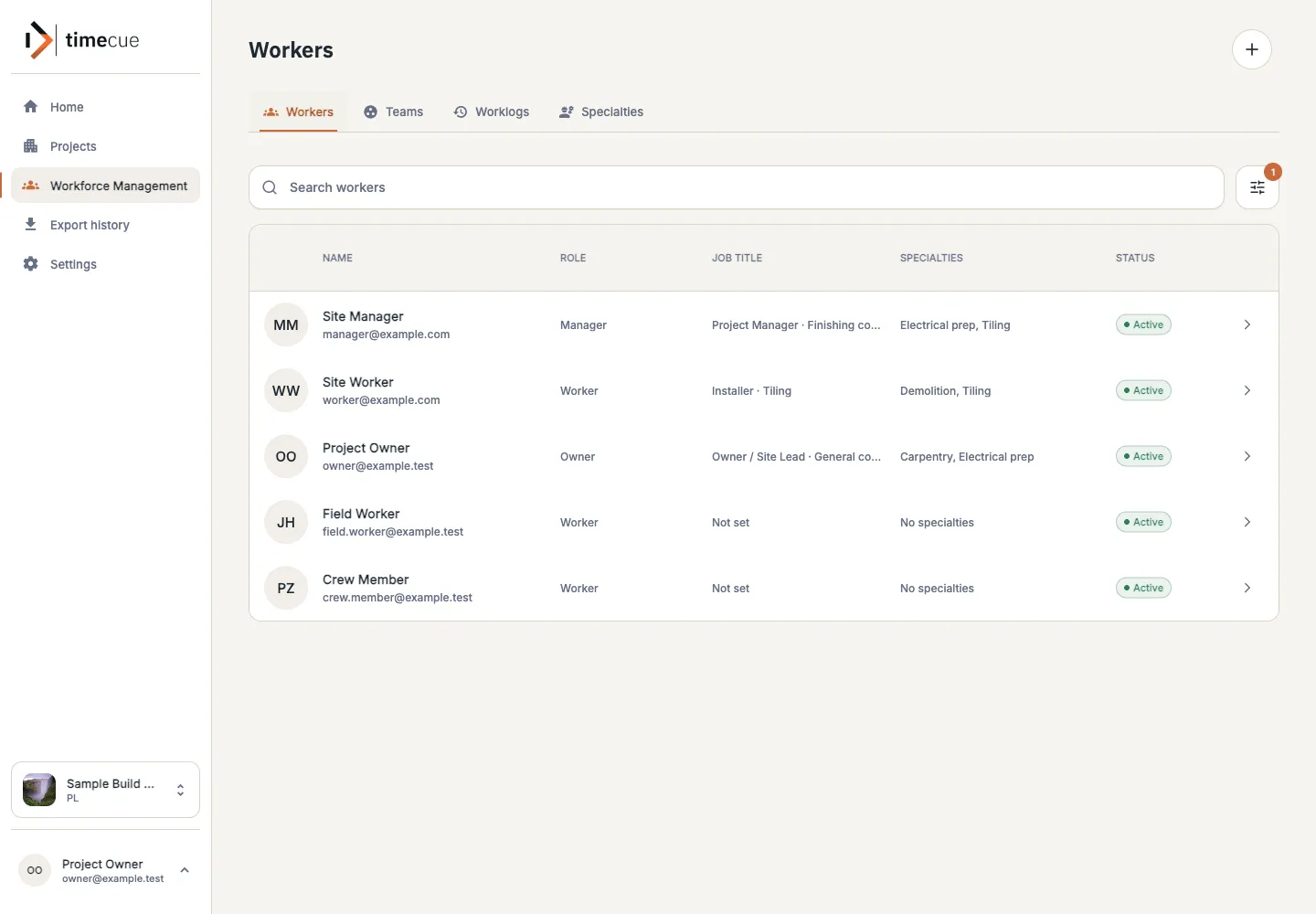
    timecue workforce view listing workers with their assignments and availability
  2. Organise upcoming work by project, area and task.

    timecue follows the way construction teams already work and keeps each update with the right project.

    1. 01 Create a project
    2. 02 Assign people
    3. 03 Record the work
    4. 04 Review progress
    5. 05 Keep the history
    timecue project workspace with working areas, tasks and recent activity
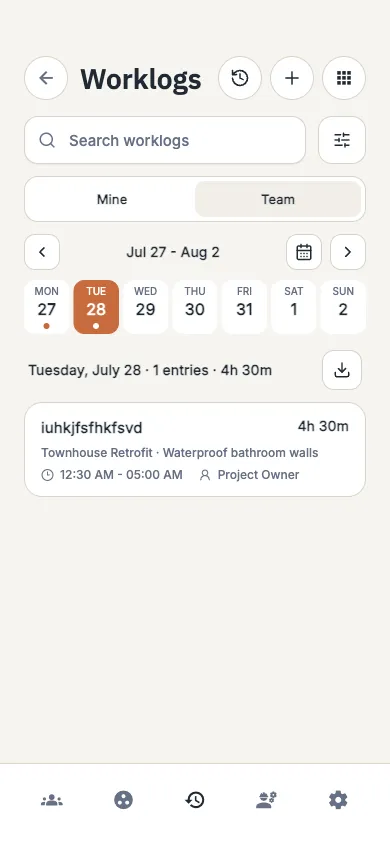
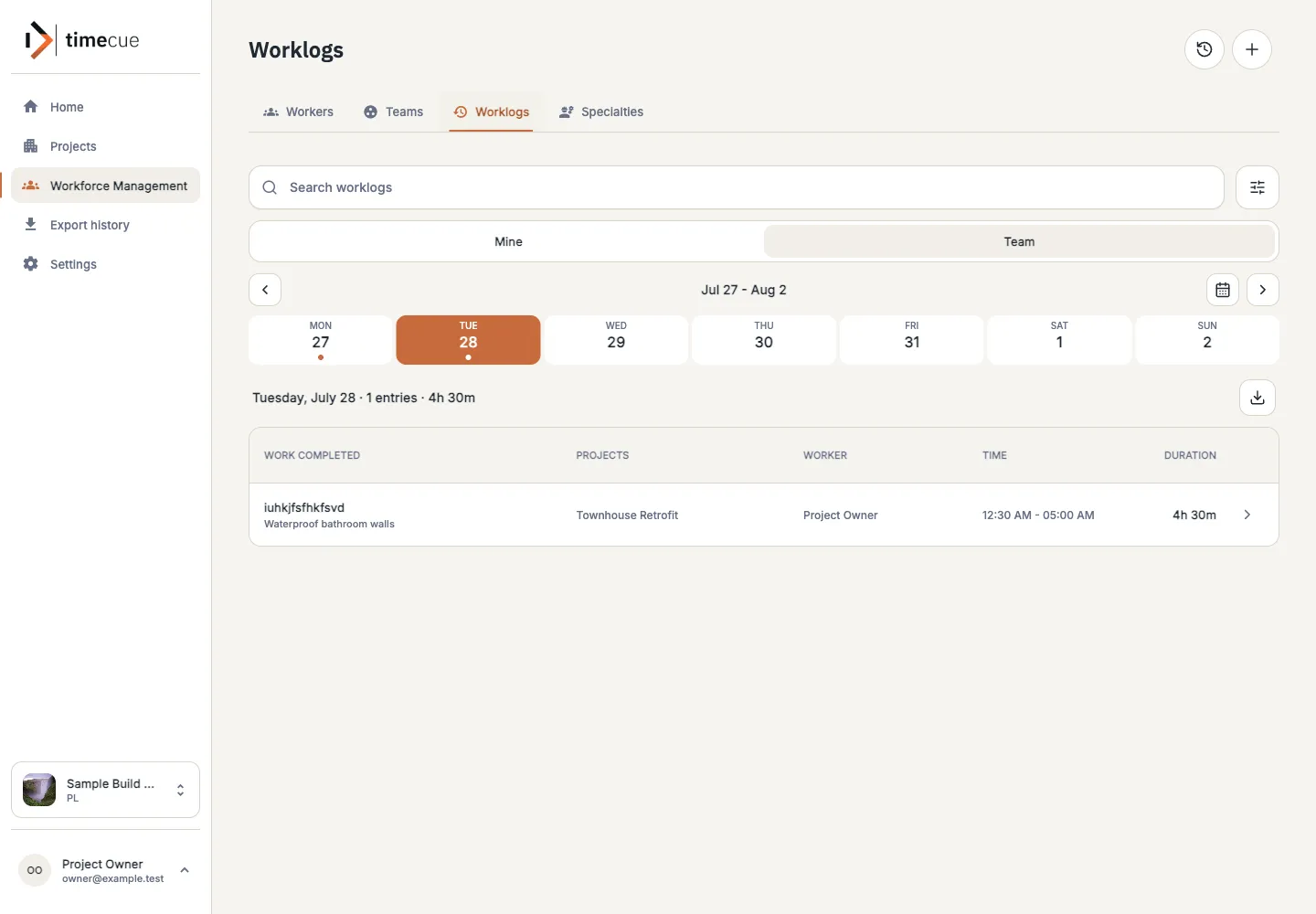
  3. Hours mean more when they are linked to the work.

    timecue shows who reported the time, which project and task it belongs to, and what was completed.

    Time report 8 hours
    Linked to
    • Worker
    • Project
    • Task
    • Work done
    timecue worklog list showing hours linked to workers, projects and tasks
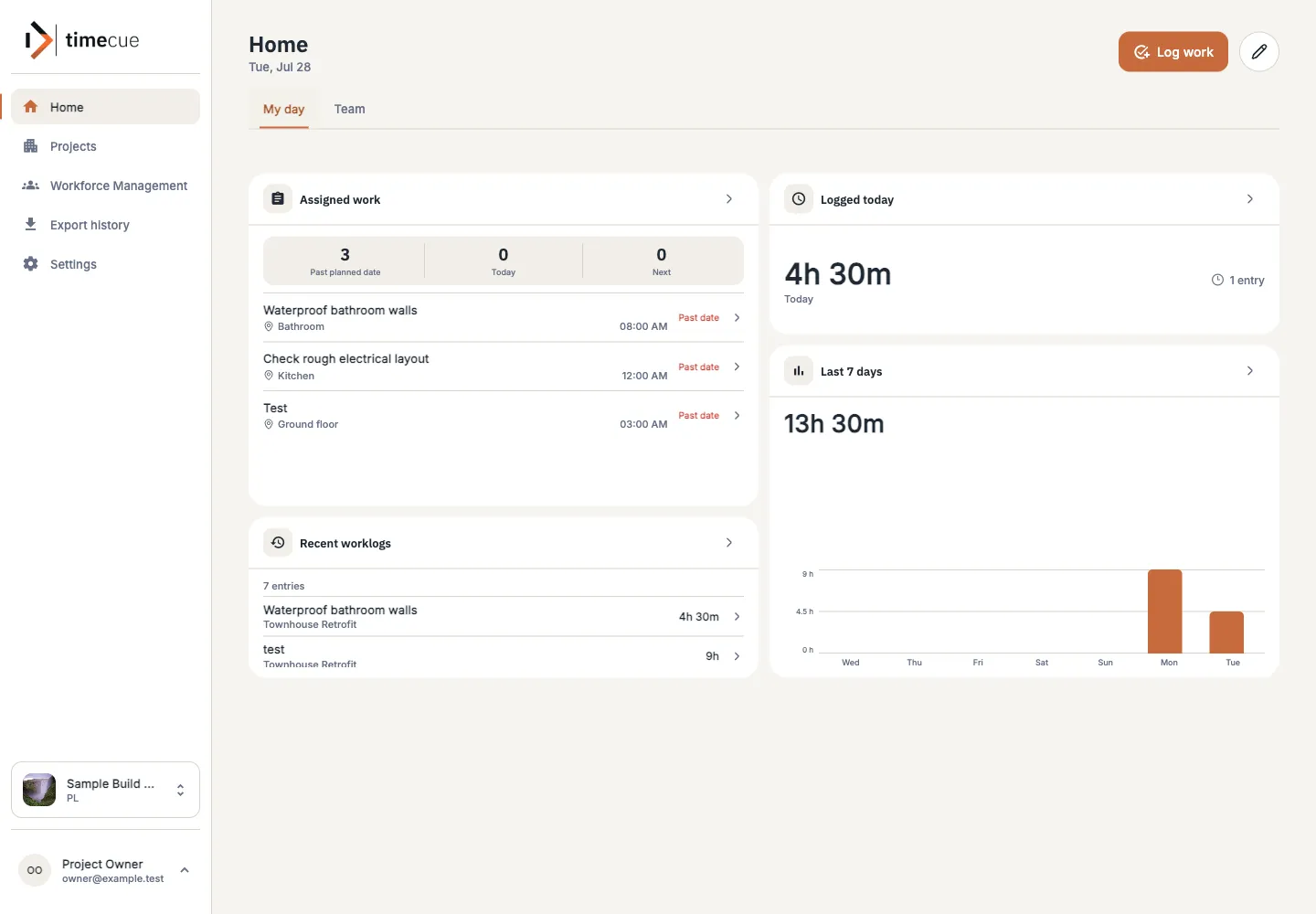
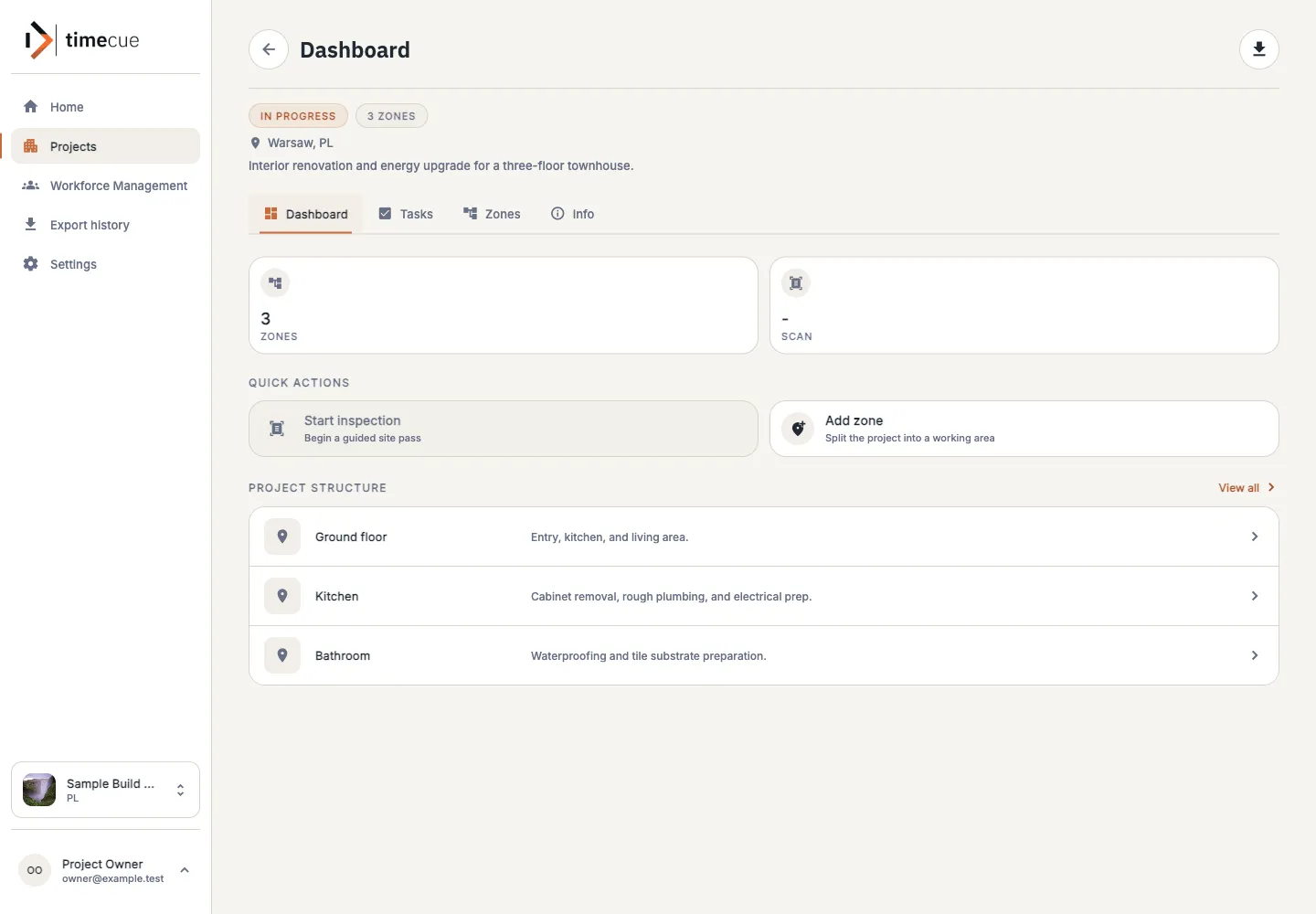
  4. See recent activity, progress and labour across the project.

    Workers focus on tasks and worklogs. Managers organize people and project work. Owners can see and manage everything across the company.
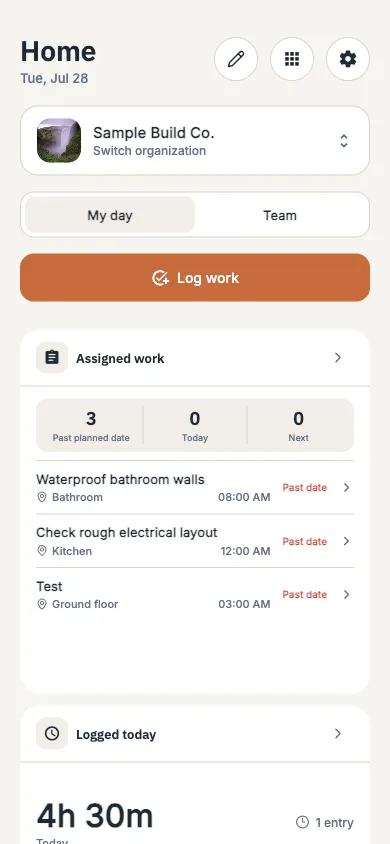
    timecue dashboard showing projects, assigned work, logged time and recent activity

For every role

The same project, with the right access.

Workers focus on tasks and worklogs. Managers organize people and project work. Owners can see and manage everything across the company.
  • 01

    Worker

    See assigned tasks and record worklogs.

  • 02

    Manager

    Manage people, projects, tasks and worklogs.

  • 03

    Owner

    Manage the company and everything in its projects.
Built for responsibility

The project record stays with the company.

Keep the history of work organised around the company, the project and the people responsible.

  • 01

    Project history

    Return to earlier work, updates and decisions when the project moves on.

  • 02

    Role-based access

    Give people access to the project information they need for their work.

  • 03

    Useful exports

    Take worklog information outside the app when it is needed for reporting.

  • 04

    Company context

    Keep projects, people and records connected to the organisation.

What is next

See what is available and what comes next.

We are improving the core product first. New areas will follow what pilot companies need most.

View the roadmap
  1. Next

    CRM and clients

    Keep client communication, offers and decisions with the project.

  2. Next

    AI assistance

    Help preparing offers, summaries and recommendations from project history.

  3. In development

    Project insights

    Use reports and summaries to highlight what needs attention.

  4. Research

    Site scanning

    Explore practical ways to record physical progress on site.

Priorities may change as we learn from pilot companies.

Pilot

Try timecue with your team.

We are working with construction companies that want to improve planning, site reporting and project follow-up.

Connect the work you planned with the work your team actually completed.

A good fit if

  1. 01 You plan people across several projects.
  2. 02 You want clearer daily site updates.
  3. 03 You are ready to share practical feedback.

Questions

What you need to know.

01 Is timecue available now?

Yes. The web app is available to pilot companies. It includes workforce planning, projects, tasks, availability, leave, worklogs and project activity.

02 Who is the pilot for?

Construction company owners, project managers, site managers and teams that want a clearer view of people and project work.

03 Are CRM and scanning available?

Not yet. They are shown separately on the roadmap as planned work or research.

04 Can timecue connect to our current tools?

We review your current setup during the pilot and explain what can be connected today.

01 / 03

Who would you like to meet?

Who would you like to meet?