Roadmap

What works today. What we build next. No dates we cannot keep.

timecue is in pilot with construction companies. This page keeps what pilot teams use today apart from what is planned, what is being built and what we are still researching.
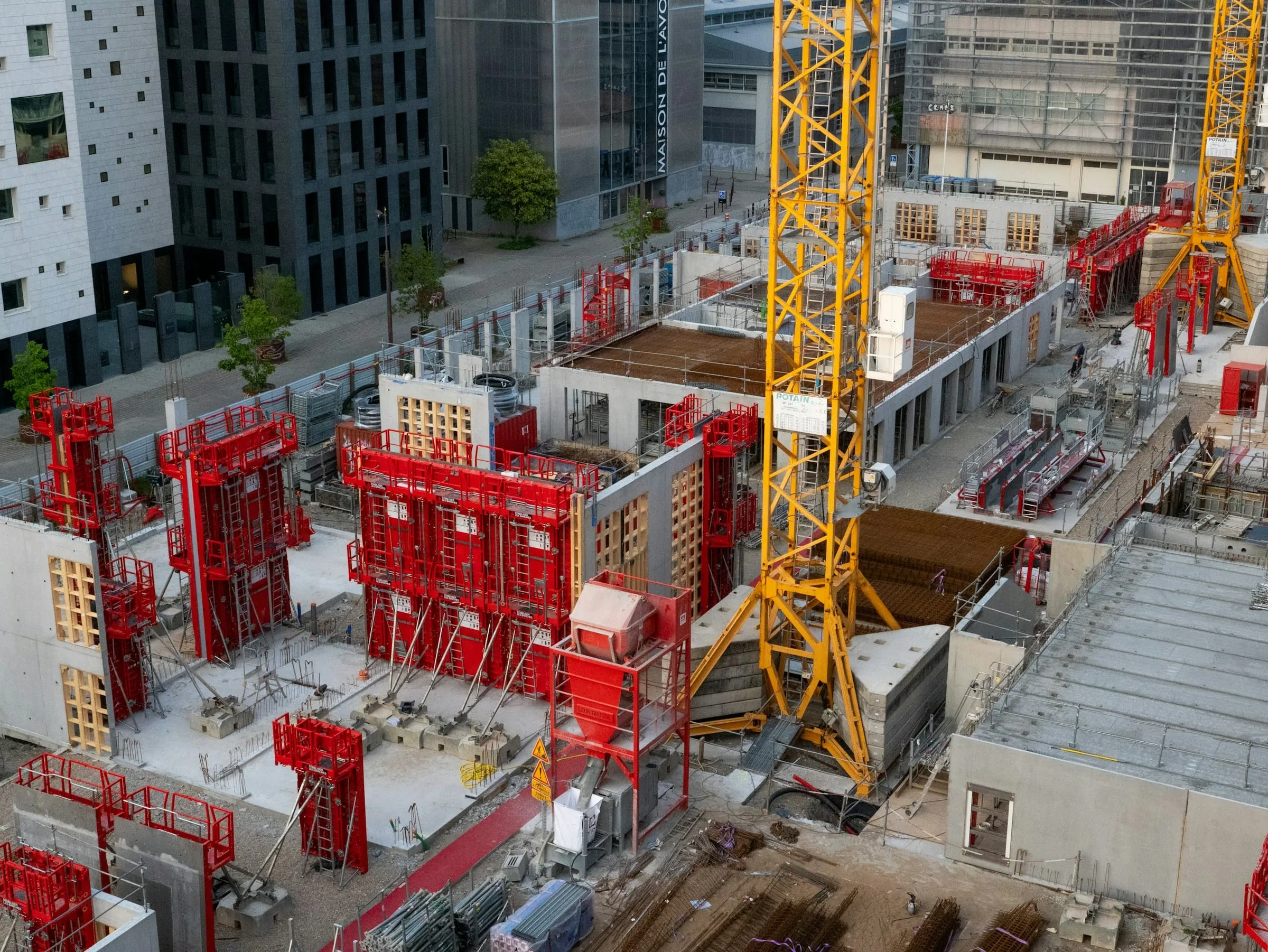
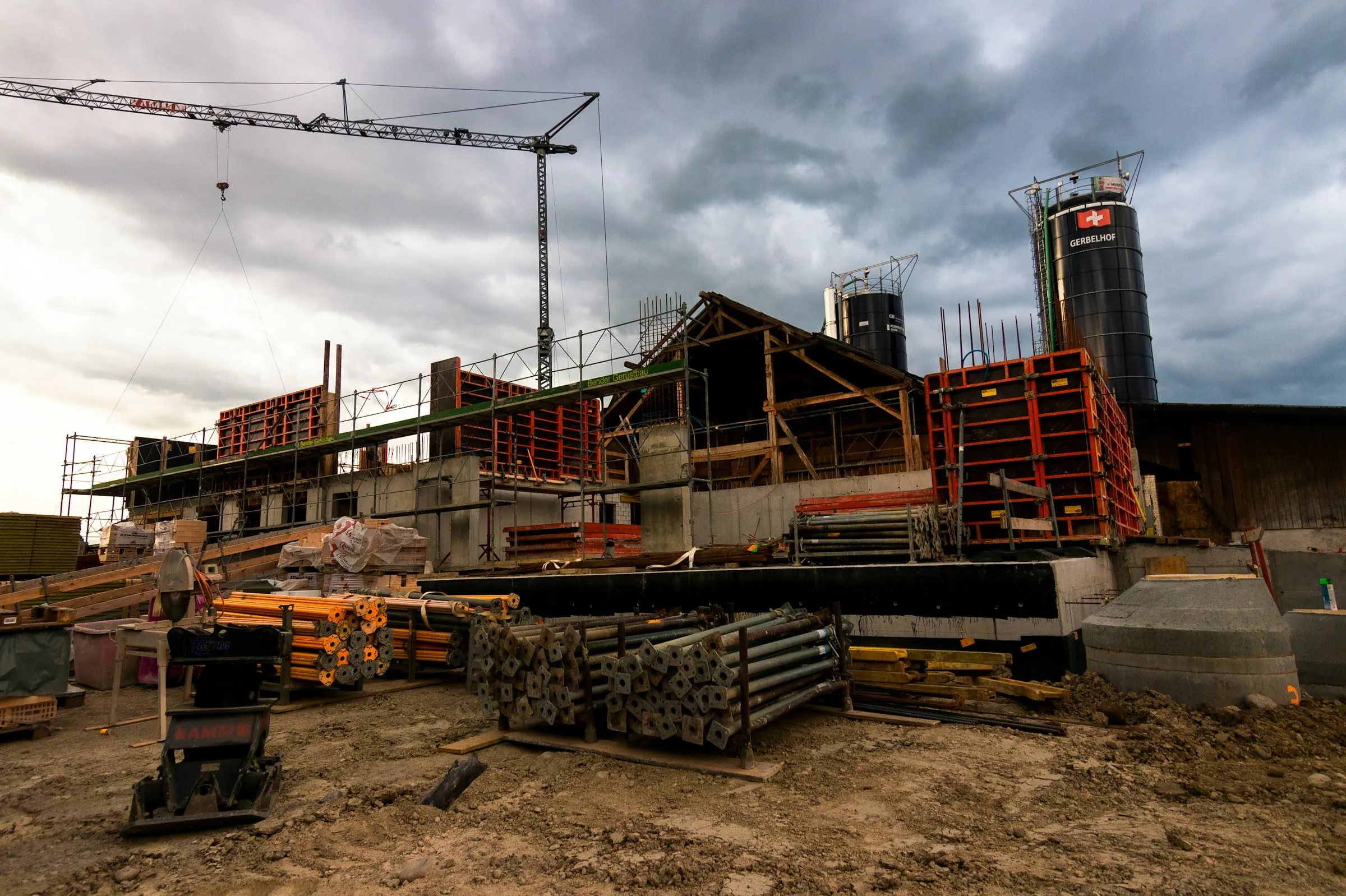
Aerial view of formwork and reinforcement on a concrete construction site

Four stages, kept apart on purpose: available now, next, in development and research.

Scroll to discover

How to read this

Current product first. Plans clearly labelled.

Only the first stage is part of the product today. Everything after it is direction, ordered by what pilot companies tell us they need. We do not put dates on it.

  1. 01 Available now

    In the product

    In the web app for pilot companies today. You can test it on your own projects.

  2. 02 Next

    Planned

    Prioritised and next in line. We shape the details together with pilot teams.

  3. 03 In development

    Being built

    Being designed and built now. Not available in the product yet.

  4. 04 Research

    Being explored

    Ideas we are testing for real value on site. They may change shape or be dropped.

Priorities may change as we learn from pilot companies.

Available now

What pilot teams use today.

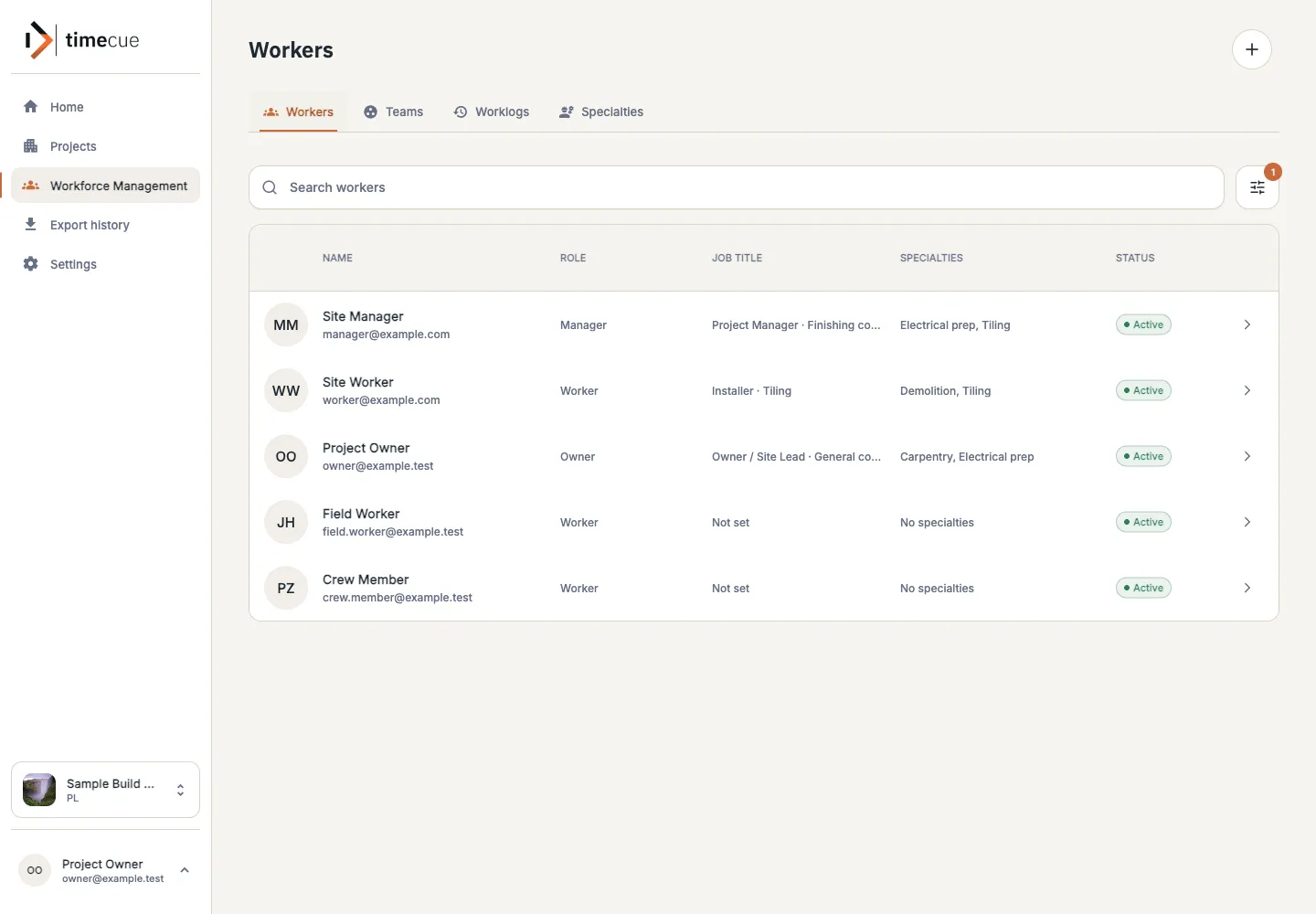
  1. Plan people across projects.

    Keep workers, teams and specialties in one place, see availability and leave, and assign people to the work that needs them.
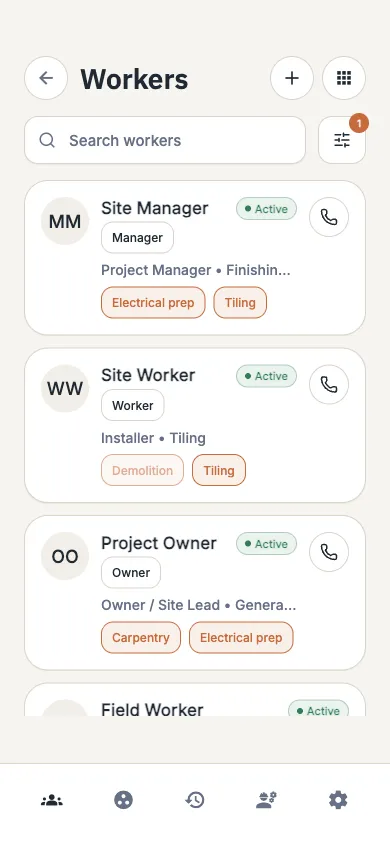
    timecue workforce view listing workers with their assignments and availability
  2. Organise each project the way the site runs.

    Split a project into areas and tasks, assign them, and keep photos, resources and project activity attached to the work.
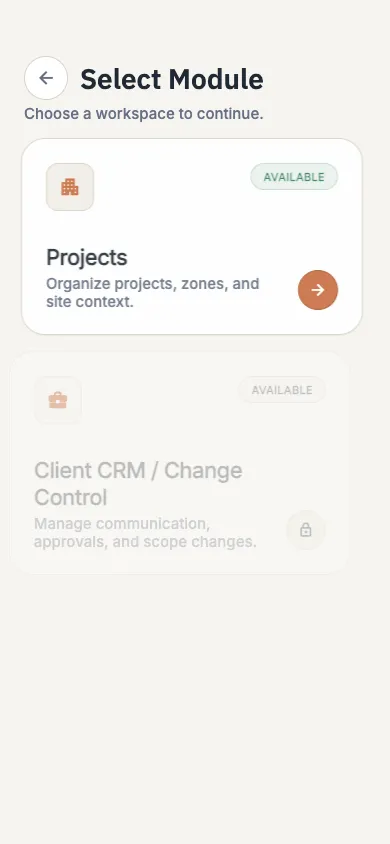
    timecue project workspace with working areas, tasks and recent activity
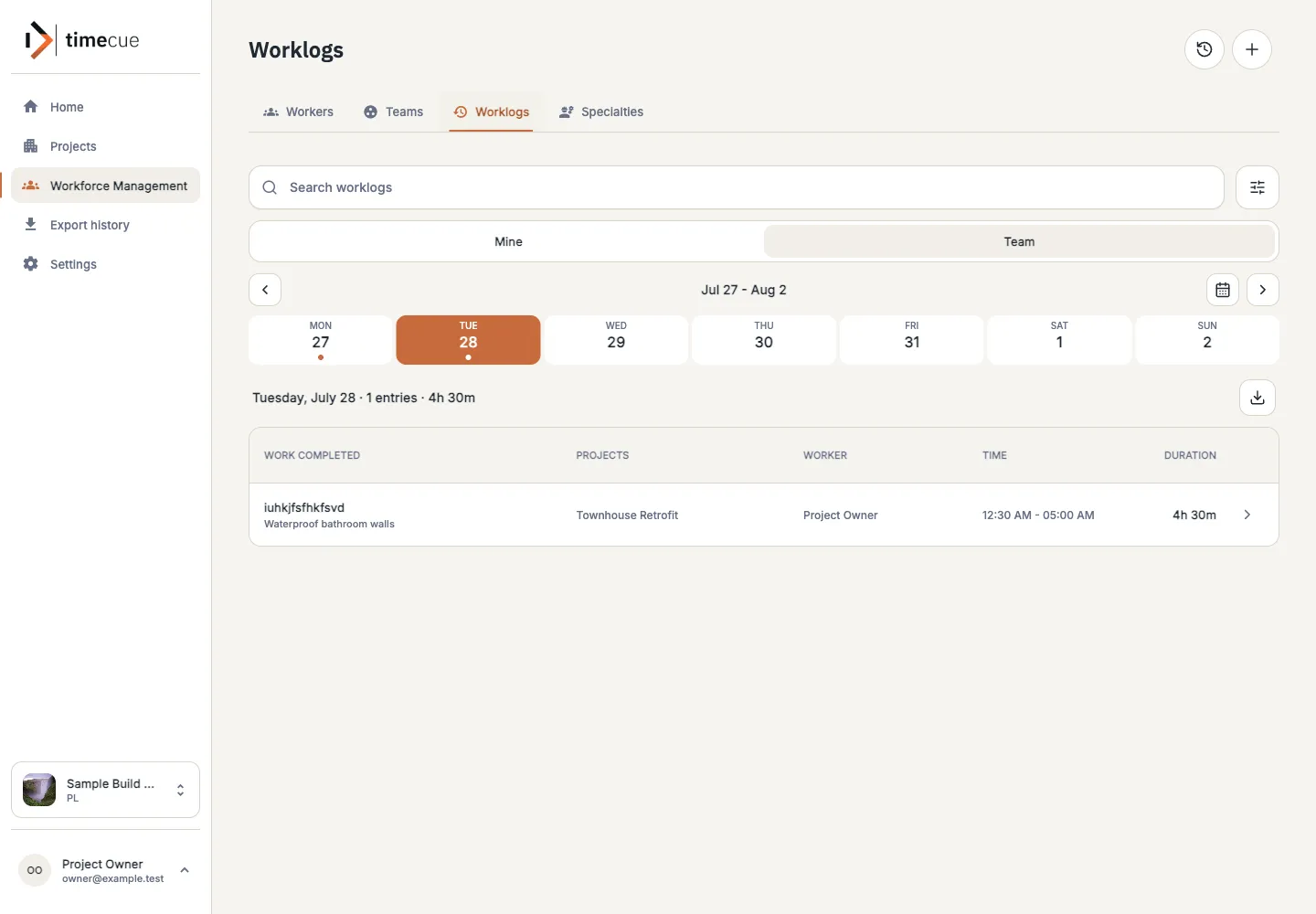
  3. Record the work that was done.

    Worklogs keep the date, hours, description and project or task together. Filter them and export the list when the office needs a report.
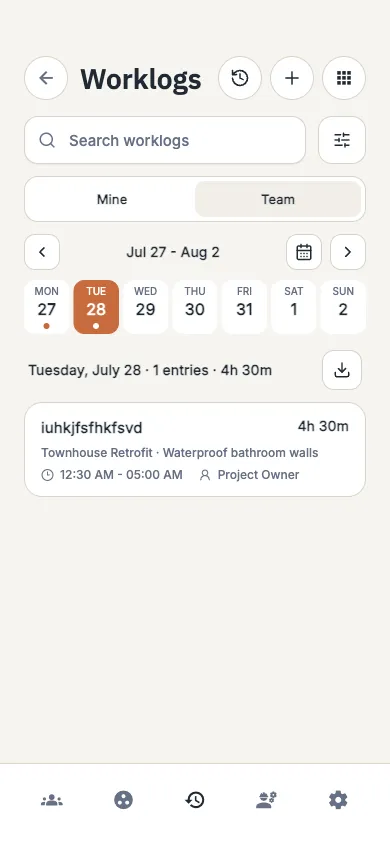
    timecue worklog list showing hours linked to workers, projects and tasks
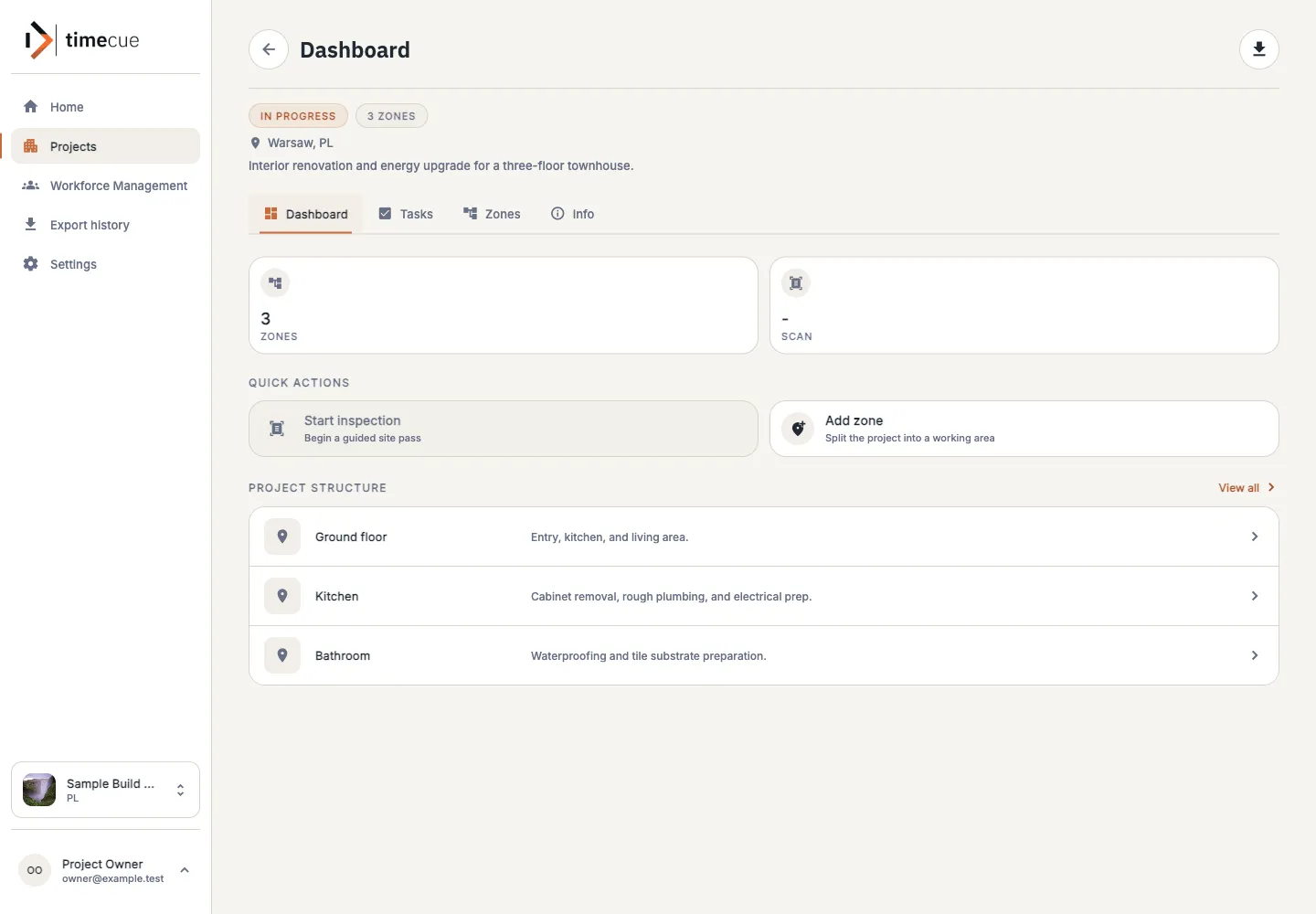
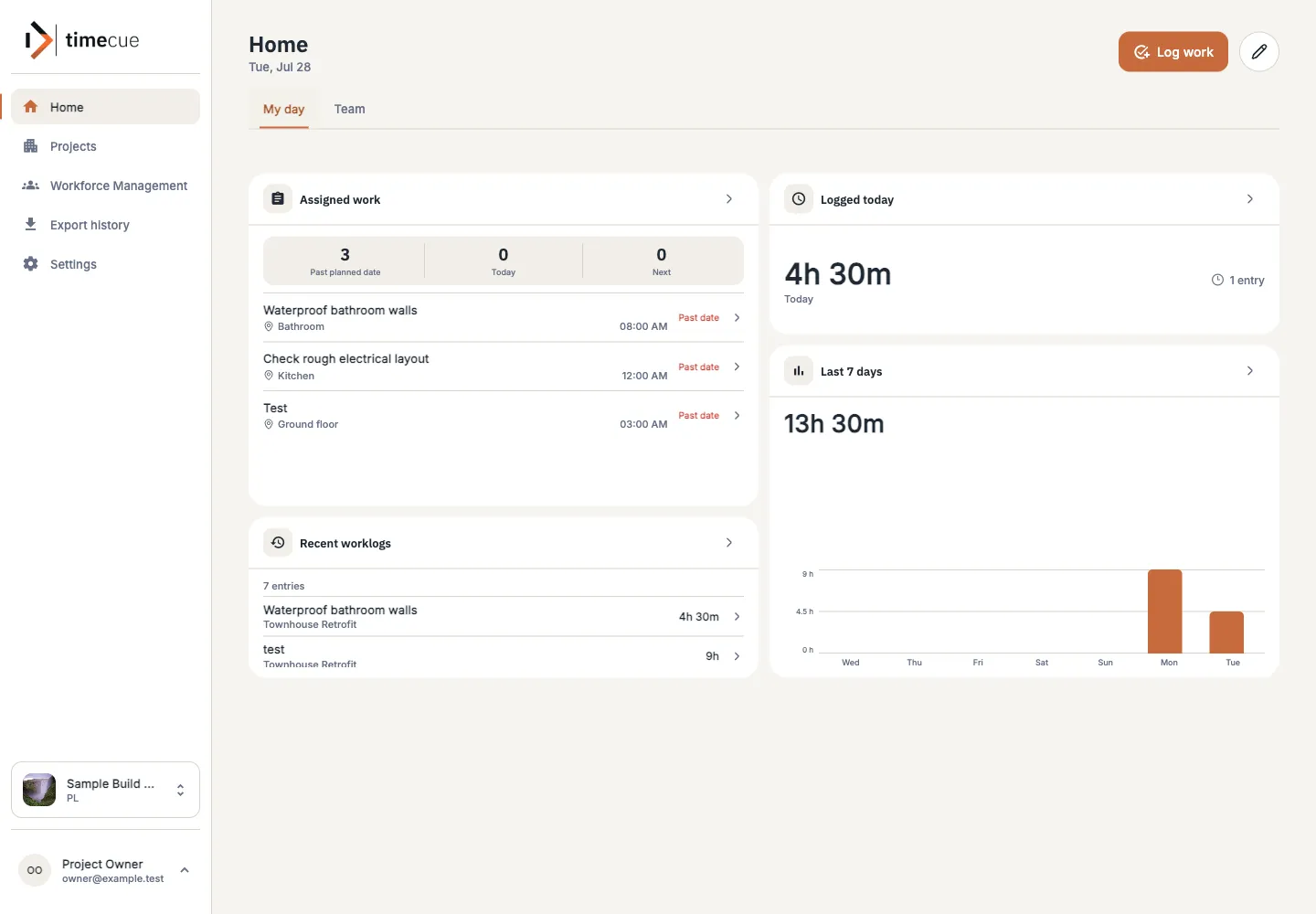
  4. See the day at a glance.

    Home shows assigned work, logged hours, project activity and recent records. Role-based access decides who sees what, and it all runs in the browser.
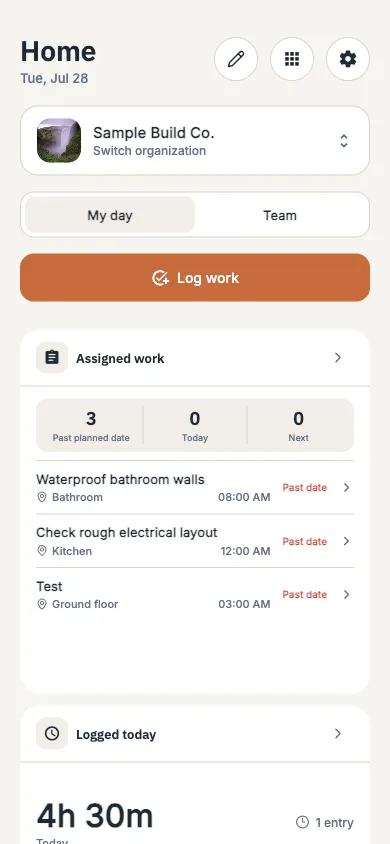
    timecue dashboard showing projects, assigned work, logged time and recent activity

Next

Clients, AI assistance and a tighter handoff.

Planned and prioritised. Pilot feedback decides the details and the order.

  1. Clients

    CRM and clients

    Keep client communication, offers and decisions with the project instead of in separate inboxes. A client portal and shared timelines belong to the same direction.

  2. AI features

    AI assistance

    Use project history to help prepare offers, summaries and recommendations. People stay in control of every decision. There are no AI features in timecue today.

  3. Workflow

    Sharper field-to-office handoff

    Shorten the path from a fresh worklog to the project view and the report a manager acts on.

  4. Pilot access

    Smoother pilot onboarding

    Make it simpler to invite, verify and support each new construction team that joins the pilot.

In development

Project insights.

Reports and summaries that point to what needs attention across your projects. Being designed and built now, and not part of the product yet.

  1. What it should do

    Highlight what needs attention

    Point managers to the projects, tasks and hours that deserve a closer look, without digging through every record.

  2. What it builds on

    Records your team already keeps

    Worklogs, assignments, project activity and dashboards from the current product.

  3. Where it stands

    Not available yet

    We will label it clearly on this page when it moves into the product.

Priorities may change as we learn from pilot companies.

Research

Ideas we are still testing.

Research means we are checking whether an idea is useful and practical on a real construction site. Any of it may change or be dropped.

  • 01

    Site scanning

    Exploring practical ways to record physical progress on site.

  • 02

    Notifications and follow-up

    More proactive reminders and follow-up, to be evaluated once the core work record is proven with pilot teams.

Priorities may change as we learn from pilot companies.

Pilot

Help decide what we build next.

Pilot companies use the current product on their own projects and tell us where it falls short. That feedback sets the order of this roadmap.

Tell us which handoff costs your team time.

As a pilot company you

  1. 01 Use what is available now on your own projects.
  2. 02 Share what slows your site and office down.
  3. 03 Help decide which roadmap items come first.
01 / 03

Who would you like to meet?

Who would you like to meet?